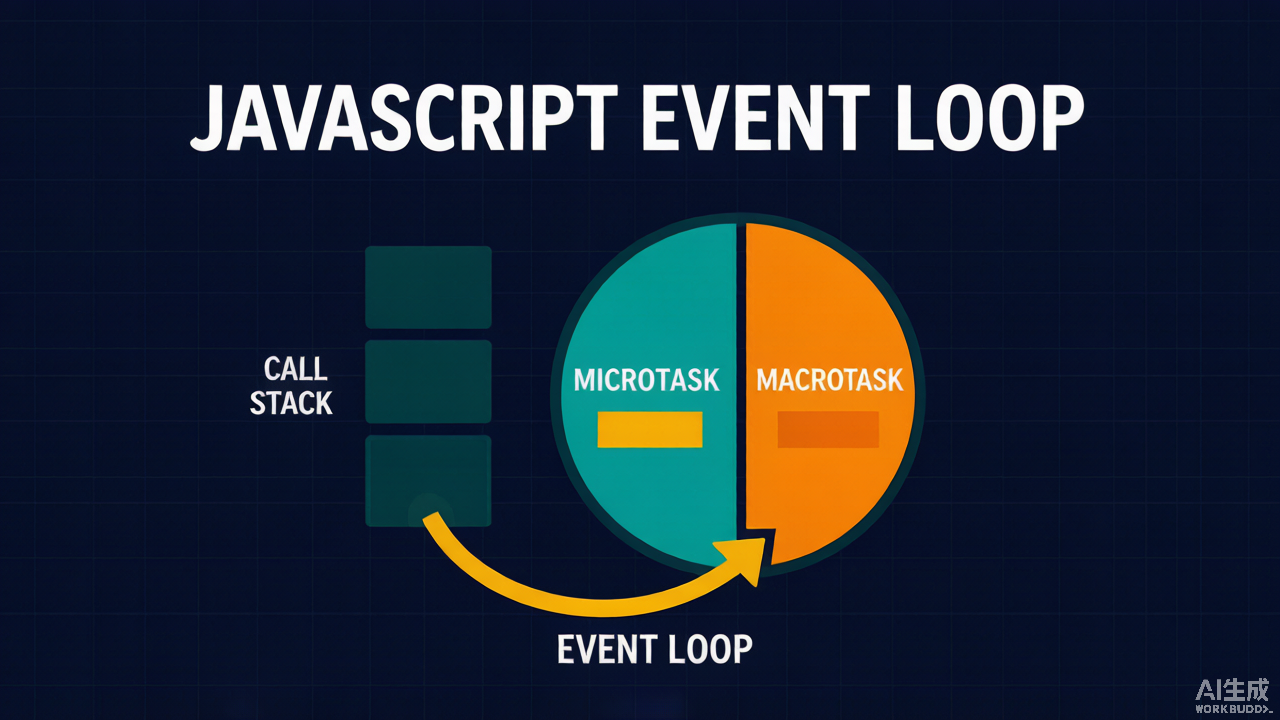
The Surprise
Run this snippet and most people predict 1, 2, 3, 4. The real output is 1, 4, 3, 2:
console.log('1');
setTimeout(() => console.log('2'), 0);
Promise.resolve().then(() => console.log('3'));
console.log('4');
The setTimeout(..., 0) callback runs after the Promise.then callback — even though setTimeout appears first in the source. This is not a bug in your runtime. It is the microtask queue, and misunderstanding it causes ordering bugs that are painful to debug.
Why It Happens
JavaScript is single-threaded. A script runs to completion, then the event loop decides what runs next. But it does not treat every scheduled callback equally. There are two priority tiers:
- Macrotasks (task queue):
setTimeout,setInterval, I/O, UI events. - Microtasks:
Promisecallbacks,queueMicrotask(),MutationObserver. (In Node,process.nextTickruns even before these.)
After the current synchronous code finishes, the event loop fully drains the microtask queue before it touches a single macrotask. Only when the microtask queue is empty does it pick the next macrotask.
The Two Queues, Step by Step
For the snippet above:
console.log('1')runs synchronously.setTimeoutregisters a macrotask (callback'2').Promise.resolve().then(...)registers a microtask (callback'3').console.log('4')runs synchronously.- Main script ends → event loop drains microtasks first →
'3'logs. - Microtask queue now empty → next macrotask runs →
'2'logs.
Result: 1, 4, 3, 2.
A Clean Rule of Thumb
After any unit of work, flush all microtasks first, then take exactly one macrotask.
This is why await also schedules a microtask: the code after an await resumes in a microtask, so it beats any setTimeout scheduled on the same tick.
async function f() {
  console.log('start');
  await Promise.resolve();
  console.log('after-await');
}
f();
Promise.resolve().then(() => console.log('microtask'));
console.log('sync-end');
// Output: start, sync-end, after-await, microtask
The Gotcha That Actually Breaks Things
Because microtasks drain completely before macrotasks resume, a microtask that keeps scheduling microtasks starves everything else — including the renderer and your setTimeout timers:
function starve() {
  Promise.resolve().then(starve); // re-queues itself forever
}
setTimeout(() => console.log('timer never fires'), 0);
starve();
The microtask queue is never empty, so the setTimeout callback never runs and the page can freeze. The classic real-world trigger: a recursive Promise chain or an accidental infinite loop inside a .then. If timers mysteriously stop firing, suspect a runaway microtask.
Practical Takeaways
Promise.then/await→ microtask;setTimeout/setInterval→ macrotask.- Microtasks always win the race on the same tick. Don’t assume source order across the two queues.
- An unbounded microtask chain can starve the event loop — keep promise loops bounded.
- Use
queueMicrotask(fn)when you explicitly need microtask timing instead of wrapping a no-opPromise.