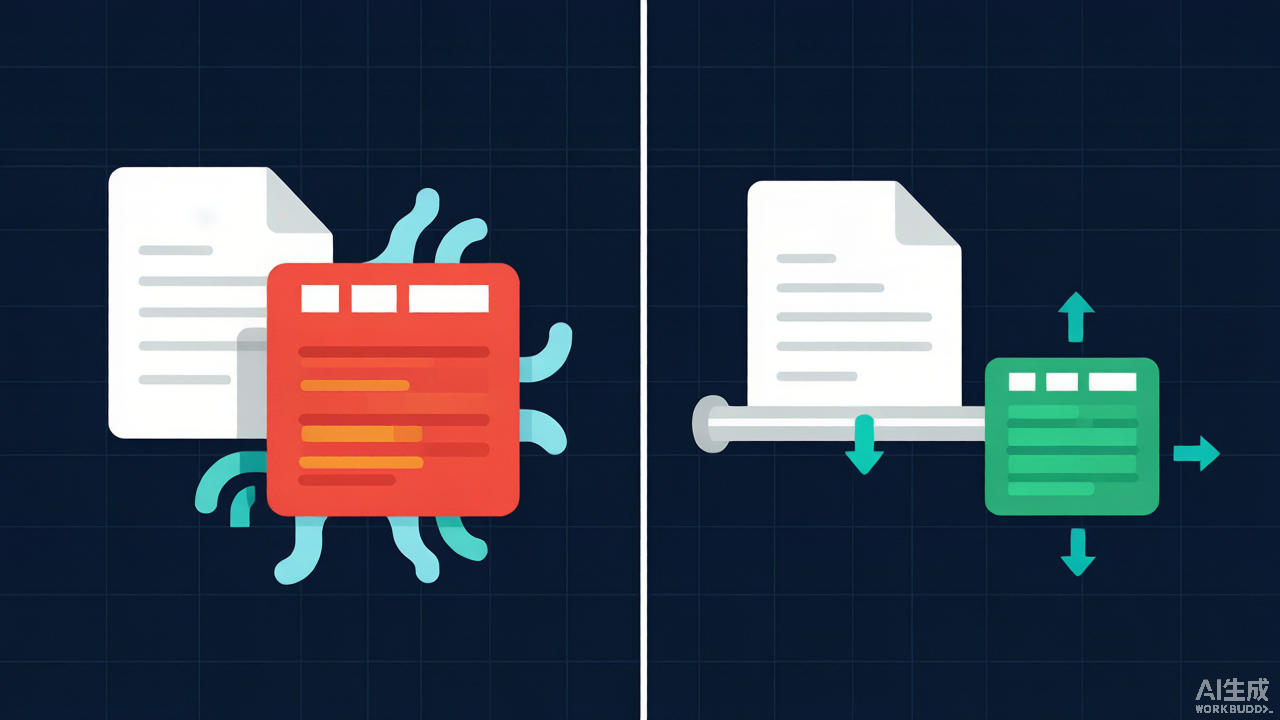
Every PHP codebase eventually grows a function like getAllOrders() that returns an array. It works fine on staging with 500 rows, then someone imports a 2 GB CSV in production and the worker dies with Allowed memory size of 134217728 bytes exhausted.
The fix is usually one keyword: yield.
The problem: the array is the bottleneck
This function has to build the entire result set in RAM before the caller sees the first row:
function readCsv(string $path): array
{
    $rows = [];
    $fh = fopen($path, 'rb');
    fgetcsv($fh); // skip header
    while (($row = fgetcsv($fh)) !== false) {
        $rows[] = $row;
    }
    fclose($fh);
    return $rows; // <-- entire file now lives in memory
}

foreach (readCsv('orders.csv') as $row) {
    process($row);
}
Peak memory scales linearly with file size. Worse, PHP arrays are not compact: each row of 10 short strings costs far more than the bytes on disk, so a 200 MB CSV can easily need 1–2 GB of heap.
The fix: return a generator
Swap $rows[] = for yield and delete the array:
function readCsv(string $path): Generator
{
    $fh = fopen($path, 'rb');
    if ($fh === false) {
        throw new RuntimeException("Cannot open $path");
    }

    try {
        fgetcsv($fh); // skip header
        while (($row = fgetcsv($fh)) !== false) {
            yield $row;
        }
    } finally {
        fclose($fh);
    }
}

foreach (readCsv('orders.csv') as $row) {
    process($row);
}
The call site did not change at all. What changed is the execution model:
- Calling
readCsv()runs none of the body. It returns aGeneratorobject immediately. - The body advances only when
foreachasks for the next value, runs until it hitsyield, then freezes — local variables, file pointer and all. - Only one row exists at a time, so peak memory is flat no matter how big the file is.
Measure it yourself; this is the kind of number that ends architecture arguments:
$peak = memory_get_peak_usage(true);
foreach (readCsv('orders.csv') as $row) { /* ... */ }
printf("peak: %.1f MB\n", (memory_get_peak_usage(true) - $peak) / 1048576);
The array version grows with the input. The generator version stays within a few hundred KB.
The same trick works for databases
fetchAll() has exactly the same problem. PDO can stream instead — but only if you turn off buffered queries for MySQL, otherwise the driver has already pulled the full result set into client memory before you iterate:
$pdo->setAttribute(PDO::MYSQL_ATTR_USE_BUFFERED_QUERY, false);

function eachOrder(PDO $pdo): Generator
{
    $stmt = $pdo->prepare('SELECT id, total FROM orders');
    $stmt->execute();
    while ($row = $stmt->fetch(PDO::FETCH_ASSOC)) {
        yield $row;
    }
}
Caveat: with an unbuffered query that connection is busy until you finish reading, so you cannot run another query on it mid-loop.
Generators compose into pipelines
Because a generator both accepts and produces an iterable, stages chain with zero buffering between them:
function onlyPaid(iterable $rows): Generator
{
    foreach ($rows as $row) {
        if ($row[3] === 'paid') {
            yield $row;
        }
    }
}

function toOrder(iterable $rows): Generator
{
    foreach ($rows as $row) {
        yield new Order((int) $row[0], (float) $row[2]);
    }
}

$orders = toOrder(onlyPaid(readCsv('orders.csv')));

foreach ($orders as $order) {
    $repo->save($order);
}
Three stages, still one row in flight. This is the pattern behind Laravel’s LazyCollection and league/csv.
Four gotchas that bite everyone once
1. A generator is single-use. It is an Iterator, not an array. Iterate it twice and PHP throws Cannot traverse an already closed generator:
$rows = readCsv('orders.csv');
foreach ($rows as $r) {}
foreach ($rows as $r) {} // Error: already closed
If a consumer needs multiple passes, pass a factory instead of the generator:
$rowsFactory = fn () => readCsv('orders.csv');
foreach ($rowsFactory() as $r) {}
foreach ($rowsFactory() as $r) {} // fresh generator, fine
2. count() and array functions do not work. count($gen), array_map($fn, $gen) and $gen[0] all fail — a generator has no length, because it has not run yet. Use iterator_count($gen) if you truly need a total (it consumes the generator), or count as you go. Reaching for iterator_to_array() to “make it easy” throws away the entire benefit.
3. yield from preserves the inner keys. It does not renumber them, so keys collide across sources:
function combined(): Generator
{
    yield from [1, 2];  // keys 0, 1
    yield from [3, 4];  // keys 0, 1 again
}

var_dump(iterator_to_array(combined()));        // [3, 4] — two values lost!
var_dump(iterator_to_array(combined(), false)); // [1, 2, 3, 4] — correct
A plain foreach over combined() yields all four values; only key-preserving collection loses them. Pass false as the second argument whenever keys are not meaningful.
4. A return value needs getReturn(). You can return a summary alongside the stream, but only read it after the generator finishes — calling it early throws:
function readCsvCounted(string $path): Generator
{
    $n = 0;
    $fh = fopen($path, 'rb');
    try {
        while (($row = fgetcsv($fh)) !== false) {
            $n++;
            yield $row;
        }
    } finally {
        fclose($fh);
    }
    return $n;
}

$gen = readCsvCounted('orders.csv');
foreach ($gen as $row) { /* ... */ }
echo $gen->getReturn(), " rows\n"; // only valid once the loop completed
Also note the finally: if the caller breaks out early, the generator is destroyed and PHP runs finally at that point, so the file handle still closes. Cleanup in a bare statement after the loop would silently never run.
When not to bother
- The dataset is small and bounded (a config array, 50 menu items) — an array is simpler and faster.
- You need random access, sorting, or the count up front. Sorting inherently requires all elements in memory.
- The result is cached and reused many times. A generator cannot be replayed; cache an array instead.
Takeaway
If a function returns an array whose size is controlled by user data, file size, or a table’s row count, it is a latent out-of-memory bug. Return a Generator, keep the foreach at the call site identical, and remember: one pass, no count(), yield from keeps keys, and getReturn() comes last.