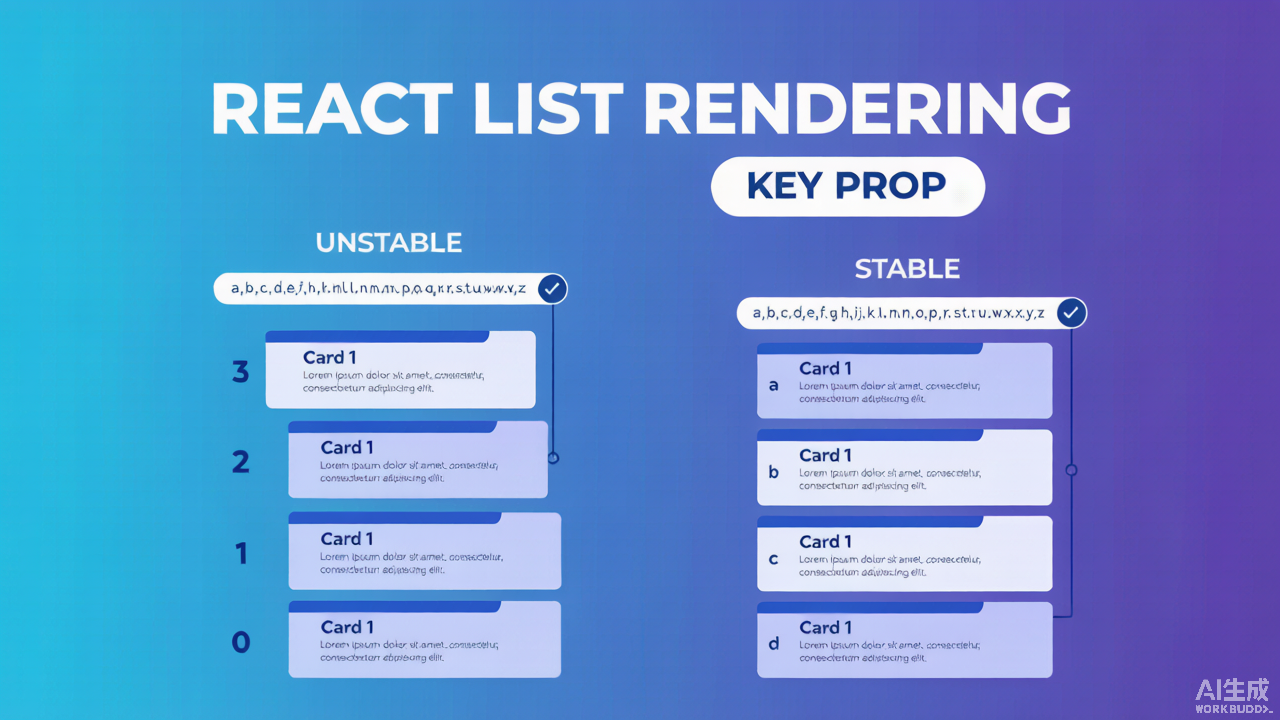
A very common React mistake is using the array index as a key when rendering lists. It usually “works” — until it doesn’t, and the bug is invisible in the console.
The setup
function TodoList({ todos }) {
  return (
    <ul>
      {todos.map((todo, index) => (
        <TodoItem key={index} todo={todo} />
      ))}
    </ul>
  );
}
This renders fine. But key={index} tells React: these elements are the same across renders as long as their position is the same.
Why index keys fail
Imagine the user deletes the first item. React now sees:
| Position | Before | After |
|———-|——–|——-|
| 0 | Item A | Item B |
| 1 | Item B | Item C |
Because the key at position 0 is still 0, React thinks “element 0 didn’t change, only its props did.” It reuses the old DOM and component state instead of rebuilding it.
If each TodoItem holds local state, that state now belongs to the wrong item:
function TodoItem({ todo }) {
  const [draft, setDraft] = useState(todo.text);
  return <input value={draft} onChange={e => setDraft(e.target.value)} />;
}
Delete “A” and the input you were typing in now silently shows B’s text. No error. Just wrong.
The fix
Use a stable, unique id that travels with the data, not with its position:
function TodoList({ todos }) {
  return (
    <ul>
      {todos.map(todo => (
        <TodoItem key={todo.id} todo={todo} />
      ))}
    </ul>
  );
}
Now when “A” is removed, React sees key a disappear and correctly unmounts that component — its local state goes with it.
When index keys are actually fine
Index keys are safe only when all of these hold:
- The list is static (never reordered, inserted, or deleted)
- Items have no local state
- No animation relies on element identity
For everything else, reach for a real id.
TL;DR
keyis how React identifies an element across renders — not a style hint.key={index}ties identity to position, so state goes wrong after reorder/delete.- Use a stable unique id from your data instead.
- Index keys are OK only for static, stateless, order-fixed lists.